


Access Your Data Anytime, Anywhere with Paprlss
With Paprlss, you can seamlessly access your data both online and offline, whether you're on a desktop or a mobile device.
For years, organizations have relied on spreadsheets to collect data efficiently and cleanly. Now, you can achieve the same level of efficiency with Paprlss.
Effortless Google Sheets Integration
During the creation or editing of a form or survey on Paprlss, you can easily set up a Google Sheets connection. With just a few clicks, newly collected data will be exported in real-time to a Google spreadsheet, ensuring your data is always up-to-date and accessible.

How does this work?
- Open your Paprlss Form Builder and click on “Settings” or the gear icon, this will open the side menu
- Scroll down on the Settings menu until you see the Data Exports section
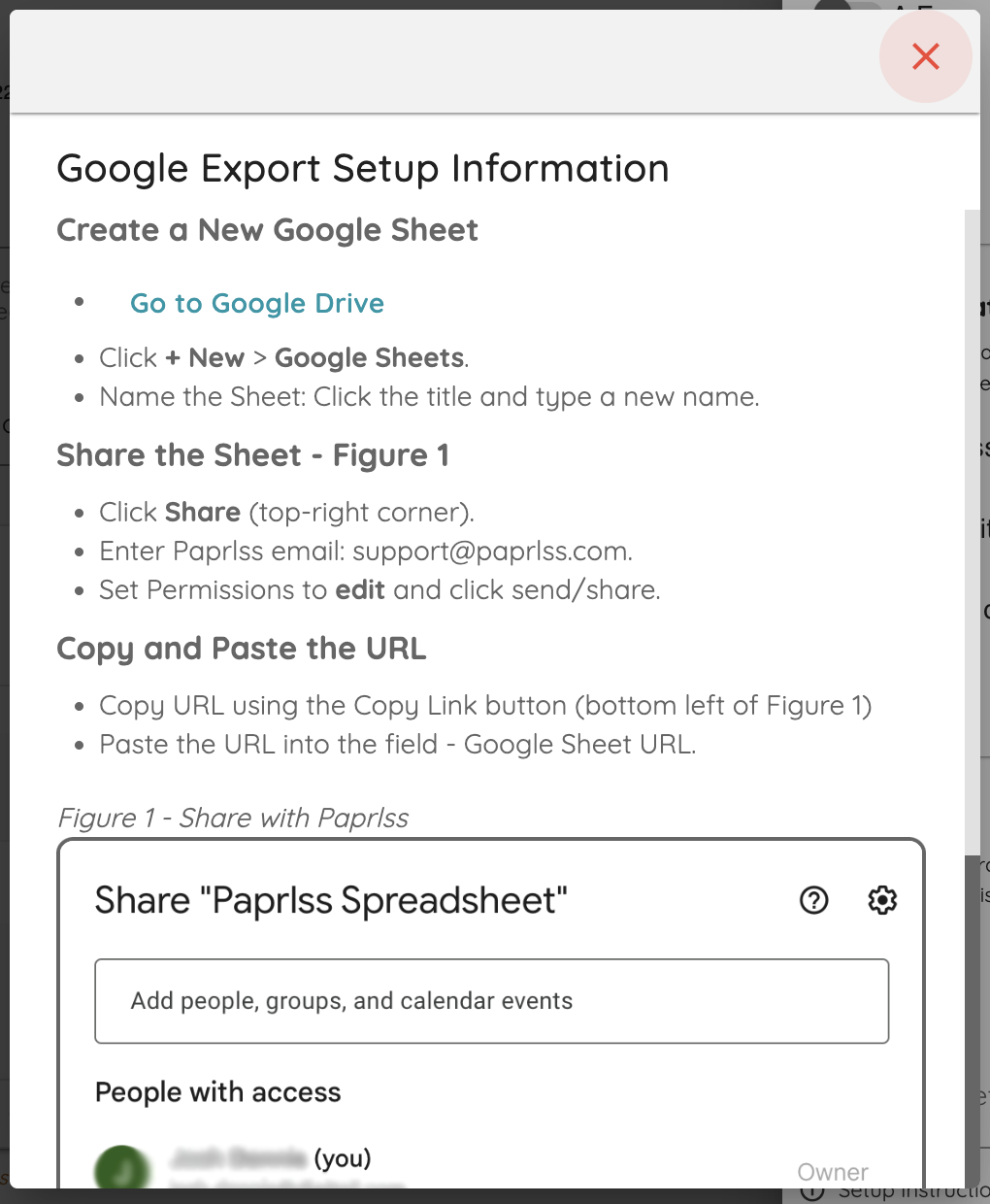
- Select “Google Drive” and follow the easy instructions to set up data sync with Google Sheets.
- Simply copy and paste a Google Sheets shared URL
- Save that form or survey and it is ready to go!
Begin submitting your forms and watch as the data is quickly exported onto your Google Sheets
With the Paprlss Data exports feature your data collection is ready to go after a one-time setup. Configure your form once and never worry about checking it again.